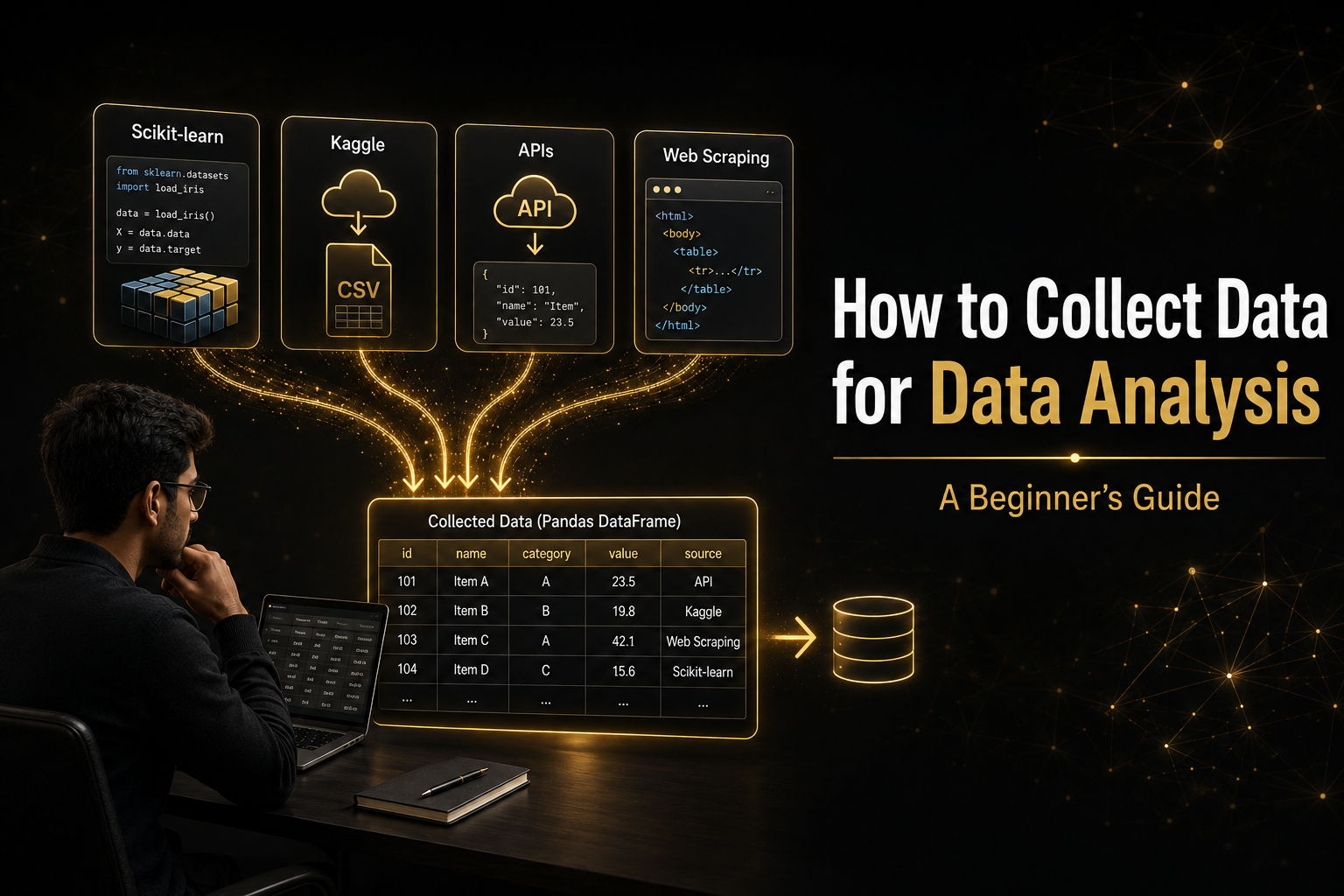
Every data analysis project begins with a question—but you cannot answer that question without data. For beginners, finding the right data can feel confusing:
- Where can I find a dataset?
- Can I download data for free?
- What is an API?
- When should I use web scraping?
- Am I allowed to collect data from any website?
In this guide, you will learn four practical ways to collect data:
- Built-in datasets from Python libraries
- Datasets from Kaggle
- Data collected through APIs
- Data collected through web scraping
Do not select a dataset only because it looks interesting. Before collecting data, clearly define the problem you want to investigate.
A retail company wants to understand which products, regions and customer groups generate the most revenue.
Based on this problem, you may need the following information:
- Order date
- Product name
- Product category
- Customer information
- Region
- Quantity
- Product price
- Total sales amount
Beginners can collect data using several methods. The method you choose depends on your project goal, technical skills and the availability of data.
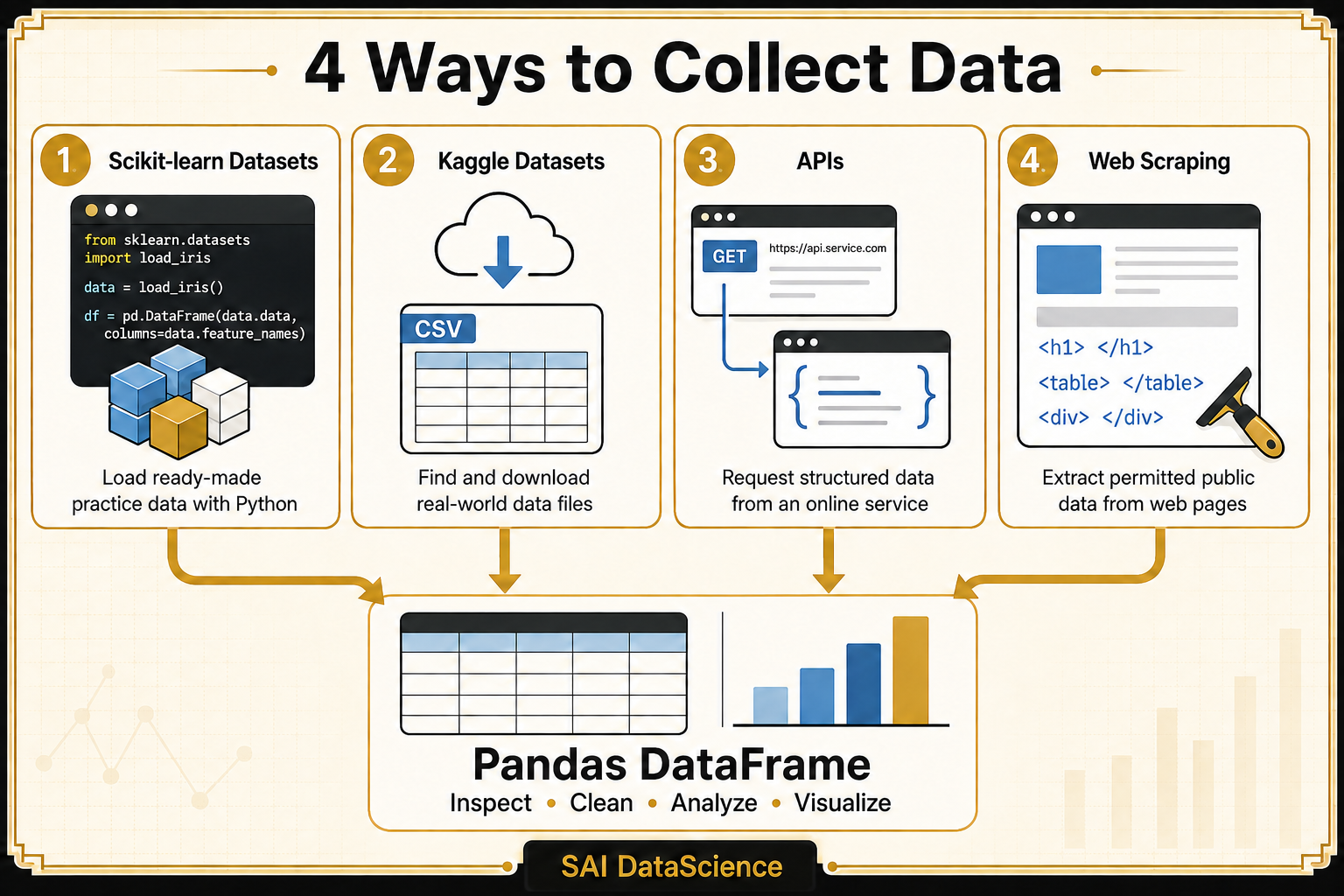
Regardless of the source, the collected data can usually be converted into a Pandas DataFrame for inspection, cleaning, analysis and visualization.
Scikit-learn provides small, ready-to-use datasets for learning data analysis and machine learning.
These datasets are useful when you want to:
- Practise Python and Pandas
- Learn data exploration
- Test a machine-learning model
- Focus on coding instead of searching for data
| Dataset | Possible Use |
|---|---|
| Iris | Flower classification |
| Wine | Wine classification |
| Breast Cancer | Binary classification |
| Diabetes | Regression analysis |
| California Housing | House-value prediction |
| Digits | Image classification |
from sklearn.datasets import load_iris
import pandas as pd

iris = load_iris(as_frame=True)

df = iris.frame

print(df.head())
The as_frame=True option returns the dataset in a Pandas-friendly format.
You can now inspect the dataset:
print(df.shape)
print(df.columns)
print(df.info())
print(df.describe())Scikit-learn can also retrieve datasets from OpenML.
from sklearn.datasets import fetch_openml

titanic = fetch_openml(
    name="titanic",
    version=1,
    as_frame=True
)

df = titanic.frame

print(df.head())Explore the built-in, downloadable and generated datasets available through Scikit-learn.
Explore Scikit-Learn DatasetsSearch for additional public datasets available through OpenML.
Explore OpenML DatasetsKaggle provides thousands of public datasets that can be used for learning, practice and portfolio projects.
You can find datasets related to:
- Retail and e-commerce
- Finance
- Healthcare
- Marketing
- Human resources
- Sports
- Transportation
- Customer behaviour
- Climate and environment
- Social media
- Visit the Kaggle website and create or sign in to your account.
- Open the Datasets section.
- Search using a business topic or industry.
- Open the dataset page.
- Read the dataset description.
- Review the available files and columns.
- Check the licence and usage conditions.
- Download and extract the dataset files.
Pandas dataset
E-commerce customer behaviour dataset
import pandas as pd

df = pd.read_csv("customer_data.csv")

print(df.head())df = pd.read_excel("customer_data.xlsx")df = pd.read_json("customer_data.json")- Does the dataset support a clear business problem?
- What does each row represent?
- What does each column represent?
- Are there enough records for meaningful analysis?
- Is a data dictionary available?
- Are important fields missing?
- Is the dataset legally available for reuse?
- Can you produce original insights from it?
Search for datasets by topic, industry, file type, size and usability.
Explore Kaggle DatasetsAfter learning manual downloads, you can use Kaggle’s official command-line tool to search for and download datasets.
View the Official Kaggle CLIAn API allows one application to request data from another application.
An API may provide information such as:
- Weather conditions
- Currency exchange rates
- Stock-market data
- Public transportation information
- Government records
- Product information
- Sports results
import requests
import pandas as pd

url = "https://api.example.com/products"

response = requests.get(
    url,
    timeout=30
)

response.raise_for_status()

data = response.json()

df = pd.DataFrame(data)

print(df.head())
The raise_for_status() method checks whether the API request was successful before the response is processed.
Parameters allow you to control which information the API returns.
params = {
    "city": "Edmonton",
    "start_date": "2026-01-01"
}

response = requests.get(
    "https://api.example.com/weather",
    params=params,
    timeout=30
)Some APIs require users to register and receive an API key.
headers = {
    "Authorization": "Bearer YOUR_API_KEY"
}

response = requests.get(
    "https://api.example.com/data",
    headers=headers,
    timeout=30
)Never publish your API key in:
- A public notebook
- A GitHub repository
- A screenshot
- A portfolio article
- Request limits
- Authentication requirements
- Multiple pages of results
- Missing records
- Nested JSON data
- Paid usage plans
- Data-usage restrictions
Learn how to send API requests, use parameters, check responses and process JSON data.
Learn Python API RequestsWeb scraping means using code to extract information displayed on a webpage.
Web scraping may be useful when:
- The website does not provide a downloadable dataset.
- No suitable API is available.
- The information appears in repeated HTML elements.
- You have permission to collect and use the information.
Possible examples include:
- Product names and prices
- Public event listings
- Public tables
- Article titles
- Permitted public job listings
A webpage is created using HTML elements. For example:
<div class="product">
    <h2 class="name">Laptop</h2>
    <span class="price">$899</span>
</div>
Python can locate these elements and collect the text stored inside them.
import requests
from bs4 import BeautifulSoup
import pandas as pd

url = "https://example.com/products"

response = requests.get(
    url,
    timeout=30
)

response.raise_for_status()

soup = BeautifulSoup(
    response.text,
    "html.parser"
)

products = []

for item in soup.find_all(
    "div",
    class_="product"
):
    name = item.find(
        "h2",
        class_="name"
    )

    price = item.find(
        "span",
        class_="price"
    )

    products.append({
        "product_name": name.get_text(strip=True),
        "price": price.get_text(strip=True)
    })

df = pd.DataFrame(products)

print(df.head())df.to_csv(
"collected_products.csv",
index=False
)Publicly visible information is not automatically available for unrestricted collection or reuse.
- Review the website’s terms of service.
- Check its robots.txt instructions.
- Prefer an official API when one is available.
- Do not collect private, personal or sensitive information.
- Do not bypass logins or security controls.
- Do not send a large number of rapid requests.
- Respect copyright, privacy and licensing requirements.
- Stop if automated data collection is prohibited.
You can add a short delay between requests:
import time

time.sleep(2)Learn how Beautiful Soup finds, navigates and extracts information from HTML pages.
Learn Beautiful SoupIn real organizations, data analysts may also collect data from:
| Method | Best Used For | Difficulty |
|---|---|---|
| Scikit-learn datasets | Learning Python and machine learning | Easy |
| Kaggle datasets | Practice and portfolio projects | Easy |
| Public APIs | Current or regularly updated data | Intermediate |
| Web scraping | Permitted webpage data without an API | Intermediate |
| Company databases | Real business analysis | Intermediate–Advanced |
| Surveys and forms | Collecting original data | Easy–Intermediate |
Collecting data is not the end of the process. Before beginning your analysis, confirm that the data was collected correctly.
print(df.head())
print(df.shape)
print(df.columns)
print(df.dtypes)
print(df.isnull().sum())
print(df.duplicated().sum())- Did I receive the expected number of records?
- Are all required columns present?
- Are the data types correct?
- Are important values missing?
- Does the dataset contain duplicate records?
- Does each row represent what I expected?
- When was the data collected or updated?
There is no single best way to collect data.
- Use Scikit-learn for quick learning exercises.
- Use Kaggle for accessible practice and portfolio datasets.
- Use APIs for structured and regularly updated information.
- Use web scraping only when it is appropriate, permitted and necessary.
Most importantly, begin with a clear question. The best dataset is not necessarily the largest or most popular—it is the dataset that helps you answer a meaningful problem.