Every business collects data—customer details, transactions, product information, website activity, inventory records and much more. However, collecting data is not enough. Businesses need professionals who can retrieve the right information, analyze it and convert it into useful insights.
This is where SQL becomes one of the most important skills for a data analyst.
SQL may initially appear technical, but beginners do not need to become database developers. A data analyst mainly needs to learn how to ask clear business questions and write SQL queries that provide accurate answers.
This beginner’s roadmap explains what SQL is, why data analysts use it, what you should learn and how to practise it through realistic business problems.
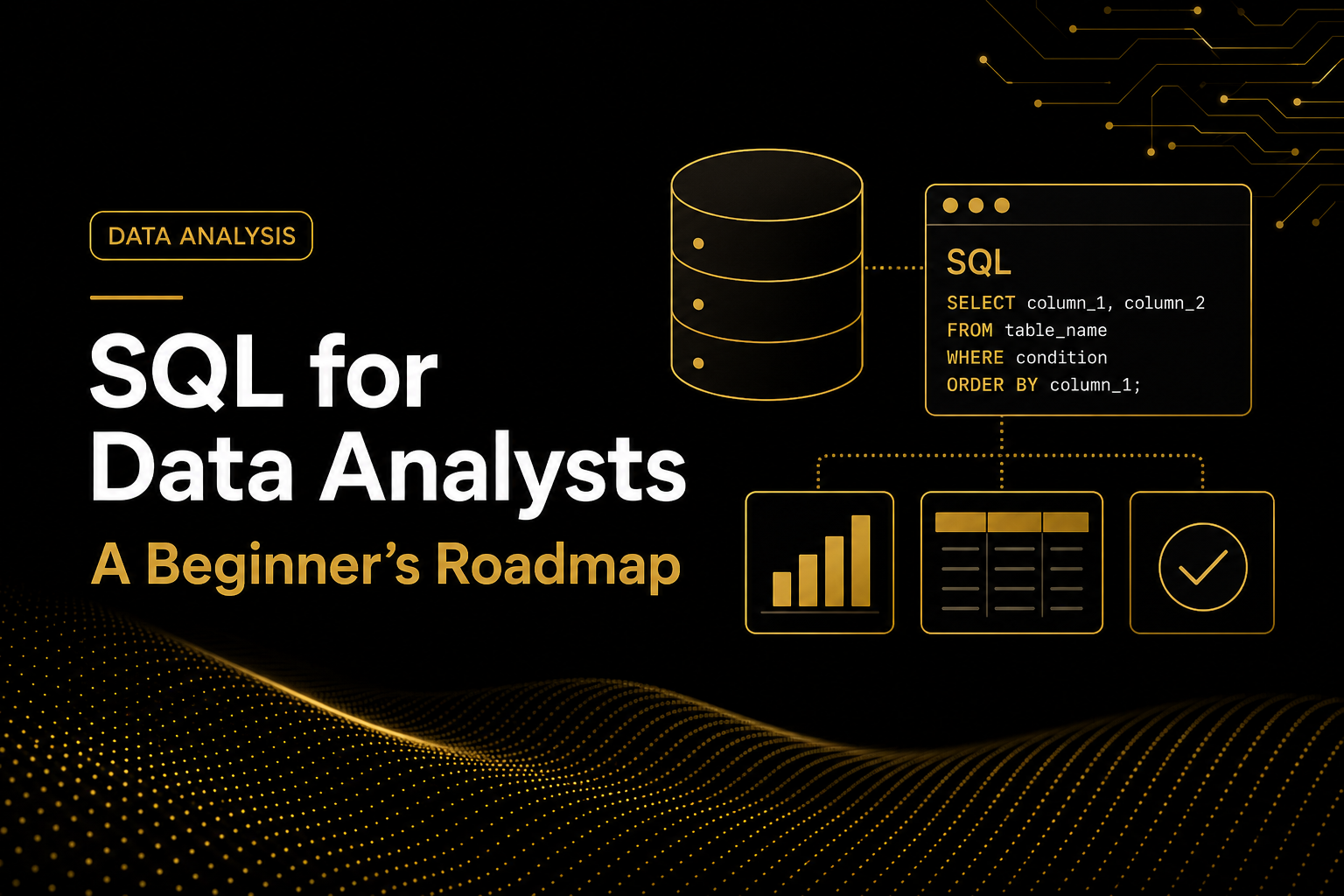
SQL for Data Analysts: A Beginner’s Roadmap
Learn what SQL is, why data analysts use it and which skills you should develop to confidently solve real business problems.
Every business collects data—customer details, transactions, product information, website activity and inventory records. However, collecting data is not enough. Businesses need professionals who can retrieve the right information, analyze it and convert it into useful insights.
This is where SQL becomes one of the most important skills for a data analyst.
SQL may initially appear technical, but beginners do not need to become database developers. A data analyst mainly needs to learn how to ask clear business questions and write SQL queries that provide accurate answers.
What Is SQL?
SQL stands for Structured Query Language. It is used to communicate with databases.
A database may contain thousands or millions of records organized into tables. Instead of manually searching through all those records, analysts use SQL to quickly retrieve and summarize the required information.
Business questions SQL can answer
- How much revenue was generated last month?
- Which products produced the highest sales?
- How many customers placed an order?
- Which customers have not purchased recently?
- Which regions are performing below target?
- What is the average order value?
- Which product categories have the highest return rate?
Why Should Data Analysts Learn SQL?
Most organizations store operational data in relational databases. SQL is often the first tool analysts use to access and prepare this data.
A data analyst may use Excel for smaller datasets, Python for deeper analysis and Tableau for visualization. However, SQL is commonly used to retrieve the required data before the analysis begins.
Retrieve Data
Access specific records from large business databases.
Analyze Performance
Calculate totals, averages, trends and important business measures.
Combine Information
Connect customer, order, product and other related tables.
Support Decisions
Convert database records into useful findings and recommendations.
Do Beginners Need a Technical Background?
No. You do not need a computer science degree or previous programming experience to begin learning SQL.
SQL statements are generally easier to understand than many programming
languages because they use readable commands such as
SELECT, FROM, WHERE,
GROUP BY and ORDER BY.
SELECT customer_name, total_spent
FROM customers
WHERE total_spent > 1000;
The syntax is only one part of learning SQL. The more important skill is understanding what the business is asking and deciding which data is needed to answer it.
How to Learn SQL for Data Analysis
Understand Tables, Rows and Columns
Before writing queries, you should understand how information is organized inside a database.
- A table represents a business subject, such as customers or orders.
- A row represents one individual record.
- A column represents one type of information.
For example, a customer table may contain customer ID, name, email, city and registration date. An orders table may contain order ID, customer ID, order date, quantity and sales amount.
Learn Basic SELECT Queries
The SELECT statement retrieves information from a table.
SELECT customer_name, city
FROM customers;
At this stage, practise:
- Selecting all or specific columns
- Renaming columns with aliases
- Removing duplicates with
DISTINCT - Limiting the number of returned records
Filter Data with WHERE
Businesses rarely need every record in a database. Analysts normally work with a particular customer group, category, location or date range.
SELECT *
FROM orders
WHERE sales_amount > 500;
You should learn how to use:
- Comparison operators
ANDandORINfor multiple valuesBETWEENfor rangesLIKEfor text matchingIS NULLfor missing values
Sort and Prioritize Results
The ORDER BY clause helps analysts identify top-performing,
lowest-performing or most recent records.
SELECT product_name, sales_amount
FROM products
ORDER BY sales_amount DESC;
Sorting can help identify highest-revenue products, lowest-performing regions, recent transactions or customers with the highest spending.
Calculate Summary Statistics
Analysts often need summarized results instead of individual records.
COUNT()counts records.SUM()calculates totals.AVG()calculates averages.MIN()identifies the smallest value.MAX()identifies the largest value.
SELECT
    COUNT(*) AS total_orders,
    SUM(sales_amount) AS total_revenue,
    AVG(sales_amount) AS average_order_value
FROM orders;Group Data with GROUP BY
The GROUP BY clause calculates separate results for
different categories.
SELECT region, SUM(sales_amount) AS total_revenue
FROM orders
GROUP BY region;
You can group data by:
- Product category
- Customer segment
- City or region
- Month or year
- Payment method
- Marketing channel
Filter Summarized Results with HAVING
The WHERE clause filters individual records before
grouping. The HAVING clause filters summarized results
after grouping.
SELECT customer_id, SUM(sales_amount) AS total_spent
FROM orders
GROUP BY customer_id
HAVING SUM(sales_amount) > 5000;
This query identifies customers whose total spending is greater than $5,000.
Combine Tables with JOINs
Business information is usually divided among customers, orders, products and other related tables. SQL joins combine this information.
SELECT
    customers.customer_name,
    orders.order_date,
    orders.sales_amount
FROM customers
INNER JOIN orders
    ON customers.customer_id = orders.customer_id;
Data analysts should understand:
INNER JOINLEFT JOIN- Primary and foreign keys
- One-to-one and one-to-many relationships
- Duplicate rows caused by incorrect joins
Create Business Categories with CASE WHEN
The CASE WHEN statement creates meaningful categories
based on business rules.
SELECT
    customer_name,
    total_spent,
    CASE
        WHEN total_spent >= 5000 THEN 'High-Value Customer'
        WHEN total_spent >= 2000 THEN 'Medium-Value Customer'
        ELSE 'Standard Customer'
    END AS customer_segment
FROM customers;
This technique can classify customer value, product performance, order size, inventory status or business risk.
Learn Subqueries and CTEs
Once you understand filtering, grouping and joins, begin working with subqueries and Common Table Expressions.
WITH customer_sales AS (
    SELECT
        customer_id,
        SUM(sales_amount) AS total_spent
    FROM orders
    GROUP BY customer_id
)

SELECT *
FROM customer_sales
WHERE total_spent > 5000;
CTEs help divide a complex analysis into smaller and more readable steps.
Validate Your Results
A SQL query can run without errors and still produce an incorrect business answer. Professional analysts validate their results before presenting them.
- Did a join create duplicate records?
- Are missing values affecting the calculation?
- Is the selected date range correct?
- Are cancelled or returned orders included?
- Does the number of records make sense?
- Are customer and product IDs unique?
- Do the totals match a trusted report?
Learn SQL Through Business Questions
Beginners sometimes focus too heavily on memorizing commands. A better approach is to practise every SQL concept through realistic business questions.
Which product category generated the highest revenue during the last quarter?
Which customers placed orders, and which registered customers have never placed an order?
What are the total revenue, number of orders and average order value for each region?
This approach helps you develop technical SQL skills and analytical thinking at the same time.
Recommended SQL Learning Order
Common Mistakes Beginners Should Avoid
Memorizing Syntax Without Practising
Reading examples is useful, but you must write and test queries yourself.
Ignoring the Business Question
A technically correct query is not useful if it answers the wrong question.
Using SELECT * Everywhere
Select only the columns required for your analysis. This produces cleaner and easier-to-understand results.
Joining Tables Without Understanding the Relationship
Identify the joining keys and determine whether the relationship is one-to-one or one-to-many.
Trusting Results Without Validation
Check record counts, totals, missing values and duplicates before sharing your findings.
Moving Too Quickly to Advanced SQL
Strong fundamentals are more valuable than briefly studying many advanced concepts.
How Can You Build a Job-Ready SQL Portfolio?
Knowing SQL commands is not enough to demonstrate that you are ready for a data analyst position. Employers want to see how you use SQL to solve realistic problems.
A strong SQL portfolio project should include:
- A clearly defined business problem
- A realistic dataset
- Questions the analysis will answer
- Well-formatted SQL queries
- Data validation checks
- Important findings
- Evidence-based business recommendations
- A concise project summary
- A GitHub repository or portfolio presentation
For example, you could analyze an e-commerce dataset to identify monthly revenue trends, high-value customers, top-performing products, regions with declining sales and products with high return rates.
How Long Does It Take to Learn SQL?
There is no single timeline for everyone. With consistent practice, a beginner can learn SQL fundamentals within a few weeks. Developing confidence requires repeated practice using different datasets and business scenarios.
Your goal should be to confidently:
- Understand the business question
- Identify the required tables and columns
- Write the appropriate SQL query
- Validate the results
- Explain the findings clearly
Final Thoughts
SQL is one of the most valuable skills for anyone beginning a career in data analytics. It helps analysts access business data, investigate performance, identify patterns and support better decision-making.
Start with the fundamentals. Practise each concept through business questions, validate your results and gradually combine your skills into complete projects.
The journey from writing your first SELECT statement to completing a portfolio-ready SQL project happens one query at a time.
Build Practical, Job-Ready SQL Skills
At SAI DataScience, students do more than memorize SQL commands. They learn how to work with realistic datasets, answer business questions, validate findings and develop portfolio-ready projects.
Our Data Analyst Career Certification and Job Portfolio Builder programs are designed to bridge the gap between learning technical skills and demonstrating them confidently to employers.
Explore SAI DataScience Programs